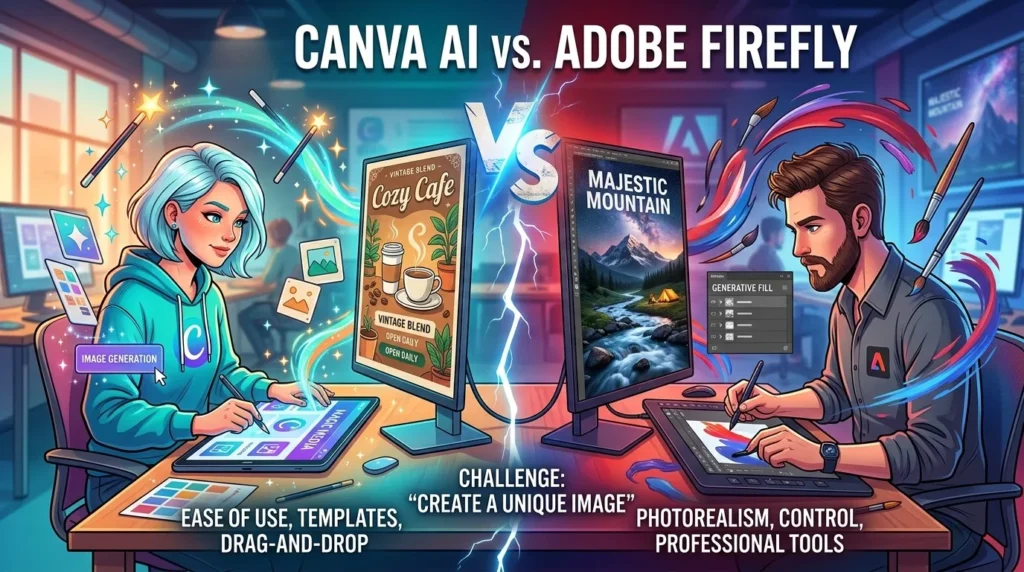
Artificial intelligence has transformed graphic design, making it easier than ever to create professional visuals, marketing materials, presentations, and social media content. Two of the biggest players in this space are Canva AI and Adobe Firefly.
While both platforms leverage generative AI to simplify creative workflows, they serve different audiences. Canva AI focuses on accessibility and speed, while Adobe Firefly emphasizes professional-grade creativity and integration with advanced design software. Recent comparisons consistently highlight Canva as the easier option for beginners and marketers, whereas Adobe Firefly excels in professional creative environments and advanced image generation workflows.
In this comprehensive comparison, we’ll examine features, pricing, ease of use, AI image quality, and overall value to help you choose the right platform.
What Is Canva AI?
Canva AI is an integrated suite of AI-powered tools within Canva’s design ecosystem. Features like Magic Design, Magic Write, Text-to-Image, Background Remover, and Magic Edit allow users to create professional designs without extensive design experience. Canva continues expanding its AI capabilities with advanced campaign creation and collaborative design features.
Key Canva AI Features
- Magic Design
- Magic Write
- AI Image Generator
- Background Remover
- Magic Edit
- AI Presentation Generator
- Brand Kit
- Social Media Templates
What Is Adobe Firefly?
Adobe Firefly is Adobe’s generative AI platform designed for professional creators. It integrates deeply with Photoshop, Illustrator, Adobe Express, and other Creative Cloud applications, offering advanced image generation, generative fill, text effects, vector creation, and video generation capabilities. Adobe emphasizes commercially safe AI outputs and licensed training data.
Key Adobe Firefly Features
- Text-to-Image Generation
- Generative Fill
- Generative Expand
- AI Text Effects
- AI Vector Graphics
- AI Video Generation
- Photoshop Integration
- Commercial-Safe Content Creation
Canva AI vs Adobe Firefly: Feature Comparison
| Feature | Canva AI | Adobe Firefly |
|---|---|---|
| AI Image Generation | Excellent | Outstanding |
| Templates | Extensive Library | Limited |
| AI Writing Assistant | Yes | Limited |
| Brand Kit | Built-In | Via Creative Cloud |
| Generative Fill | Basic | Advanced |
| Video AI | Available | Advanced |
| Learning Curve | Very Easy | Moderate |
| Team Collaboration | Excellent | Good |
| Professional Editing | Limited | Advanced |
| Commercial Safety | Good | Excellent |
User Experience and Ease of Use
Canva AI
Canva remains one of the most beginner-friendly design platforms available. Users can generate social media posts, presentations, marketing materials, and branding assets with minimal effort. The drag-and-drop editor combined with AI-powered suggestions significantly reduces design time. Multiple reviews identify Canva as the preferred option for non-designers and small businesses.
Adobe Firefly
Adobe Firefly offers more creative control and customization. However, users often benefit from familiarity with Adobe products such as Photoshop and Illustrator. The platform excels in detailed image manipulation, professional workflows, and high-quality AI-generated visuals.
AI Image Generation Quality
Image generation quality is one of the biggest differences between these platforms.
Canva AI
Canva AI produces attractive marketing graphics, social media visuals, and business-focused content quickly. The results are optimized for usability rather than artistic complexity.
Adobe Firefly
Adobe Firefly delivers more sophisticated image generation with enhanced control over lighting, composition, textures, and realism. Adobe’s latest Firefly models focus heavily on professional-grade output and brand consistency.
Winner: Adobe Firefly
For pure AI image quality and creative flexibility, Adobe Firefly has the advantage.
Pricing Comparison
Canva AI Pricing
- Free Plan Available
- Canva Pro
- Canva Teams
Adobe Firefly Pricing
- Free Generative Credits
- Firefly Premium Plans
- Adobe Creative Cloud Bundles
Pricing structures evolve frequently, but Canva generally offers a more accessible entry point for individuals and small businesses, while Adobe provides greater value for professionals already using Creative Cloud.
Best Use Cases
Choose Canva AI If You:
- Create social media content
- Build presentations regularly
- Need fast marketing graphics
- Have little design experience
- Work in a collaborative team environment
Choose Adobe Firefly If You:
- Use Photoshop or Illustrator
- Need professional-grade image generation
- Require advanced editing controls
- Create commercial design assets
- Work as a professional designer or agency
Canva AI vs Adobe Firefly: Pros and Cons
Canva AI Pros
- Beginner-friendly interface
- Massive template library
- Fast content creation
- Excellent collaboration tools
- Affordable pricing
Canva AI Cons
- Limited advanced editing
- Less creative control
- AI outputs can appear template-based
Adobe Firefly Pros
- Superior image quality
- Professional workflows
- Commercially safe AI models
- Deep Adobe integration
- Advanced customization
Adobe Firefly Cons
- Higher learning curve
- More expensive ecosystem
- Better suited to experienced users
Final Verdict
The choice between Canva AI and Adobe Firefly depends on your goals.
If you’re a marketer, entrepreneur, content creator, or beginner looking for quick and professional results, Canva AI is the better choice. Its simplicity, templates, and collaboration features make it ideal for everyday design tasks.
If you’re a professional designer, agency, or creative team that requires advanced image generation, editing precision, and integration with industry-standard software, Adobe Firefly stands out as the stronger option. Adobe continues expanding Firefly with advanced models, creative workflows, and professional-grade AI capabilities.
Ultimately, Canva AI wins for ease of use, while Adobe Firefly wins for professional creative power.