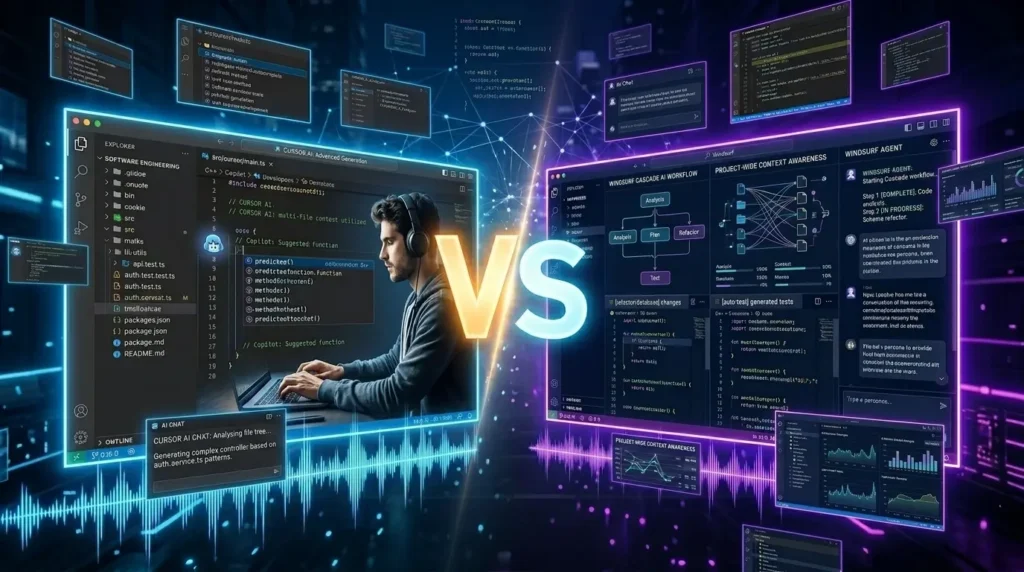
Artificial intelligence is rapidly transforming software development, and AI-native IDEs have become essential tools for modern developers. Among the leading platforms, Cursor AI and Windsurf stand out as two of the most powerful AI-first coding environments available today.
Both are built on top of Visual Studio Code and offer AI-powered coding assistance, code generation, debugging, and project-wide understanding. However, they take different approaches to AI-assisted development.
If you’re deciding between Cursor AI and Windsurf, this comprehensive comparison covers features, pricing, code quality, AI agents, workflow integration, and the best use cases for each platform.
What Is Cursor AI?
Cursor AI is an AI-native code editor developed by Anysphere. It combines advanced code completion, project-wide understanding, AI chat, multi-file editing, and agentic coding capabilities into a single development environment.
Cursor is particularly popular among professional developers because of its powerful Composer and Agent workflows, deep codebase understanding, and support for multiple frontier AI models. Industry comparisons consistently rank Cursor as one of the most capable AI coding tools available.
Key Features
- AI-powered code completion
- Multi-file editing
- Full codebase understanding
- AI chat with project context
- Agentic coding workflows
- Terminal integration
- Multiple AI model support
What Is Windsurf?
Windsurf (formerly Codeium) is an AI-first IDE designed to make AI-assisted development more accessible and autonomous. Its standout feature is Cascade, an AI agent that can perform multi-step development tasks with minimal developer intervention.
Windsurf focuses on automatic context gathering, guided workflows, affordability, and enterprise-grade security. Many developers view it as a strong alternative to Cursor, especially for beginners and teams looking for a more guided AI experience.
Key Features
- Cascade AI agent
- Automatic codebase indexing
- Memory system for coding preferences
- Multi-file project modifications
- AI debugging assistance
- Enterprise security features
- Generous free tier
Cursor AI vs Windsurf: Quick Comparison
| Feature | Cursor AI | Windsurf |
|---|---|---|
| Code Completion | Excellent | Excellent |
| Multi-File Editing | Excellent | Very Good |
| Codebase Understanding | Excellent | Excellent |
| AI Agent | Composer / Agent Mode | Cascade |
| Learning Curve | Moderate | Easy |
| Enterprise Security | Strong | Excellent |
| AI Model Flexibility | Excellent | Good |
| Free Tier | Limited | Generous |
| Power User Features | Excellent | Very Good |
| Beginner Friendliness | Good | Excellent |
Code Completion and Coding Accuracy
Both platforms provide high-quality autocomplete and code generation.
Cursor is often regarded as having the stronger overall coding experience due to its advanced context awareness and support for multiple leading models. Several 2026 comparisons place Cursor ahead in coding accuracy and developer control.
Windsurf remains highly competitive and performs well for everyday development tasks.
Winner: Cursor AI
AI Agent Capabilities
One of the biggest differences between these editors is how they approach AI agents.
Cursor
Cursor’s Composer and Agent workflows allow developers to:
- Refactor multiple files
- Build new features
- Generate documentation
- Modify large projects
The experience emphasizes developer control and flexibility.
Windsurf
Windsurf’s Cascade agent is designed to be more autonomous. It can perform extended, multi-step tasks while requiring less manual guidance from the developer. Some reviewers consider Cascade stronger for agent-driven workflows.
Winner: Windsurf
Codebase Understanding
Modern AI development depends heavily on project-wide context.
Cursor has built a strong reputation for understanding large repositories, navigating dependencies, and executing complex project-wide changes. Many developers cite this as one of Cursor’s greatest strengths.
Windsurf also offers deep indexing and contextual awareness through its Fast Context system, making it highly competitive for large codebases.
Winner: Cursor AI
Ease of Use
Windsurf focuses heavily on simplicity.
Its guided workflows and automatic context management reduce setup friction and make it easier for new developers to start using AI-assisted coding effectively. Multiple reviews describe Windsurf as the more beginner-friendly option.
Cursor offers more features but can feel overwhelming for first-time users.
Winner: Windsurf
Pricing and Value
Pricing frequently changes, but Windsurf has historically positioned itself as the more affordable option and often provides a more generous free tier. Several 2026 comparisons highlight its value proposition.
Cursor generally costs more but offers a broader feature set and more mature workflows.
Winner: Windsurf
Enterprise and Security
For enterprise teams, security and compliance are increasingly important.
Windsurf emphasizes enterprise-grade security certifications and deployment flexibility. Some comparisons note stronger compliance-focused features than Cursor.
Cursor continues to expand its security capabilities and recently partnered with security-focused providers to strengthen AI-generated code safety.
Winner: Windsurf
Community Feedback
Developer opinions remain divided.
Many developers praise Cursor for:
- Better code completion
- Faster workflows
- Strong codebase understanding
- Advanced power-user features
Meanwhile, Windsurf receives positive feedback for:
- Better value
- Transparent pricing
- Strong agent workflows
- Easier onboarding
Community discussions often conclude that Cursor currently feels more mature, while Windsurf offers excellent value and automation.
Best Use Cases
Choose Cursor AI If:
- You work on large software projects
- You need advanced codebase understanding
- You want maximum control over AI workflows
- You are a professional developer
- You prioritize coding accuracy
Choose Windsurf If:
- You are new to AI coding tools
- You want autonomous AI agents
- You need a generous free tier
- You prioritize affordability
- You want guided AI workflows
Final Verdict
Both Cursor AI and Windsurf are among the best AI-native IDEs available in 2026.
Cursor remains the stronger choice for professional developers who need advanced codebase understanding, multi-file editing, and highly customizable AI-assisted development workflows. It is widely regarded as the power user’s AI coding environment.
Windsurf shines as a more approachable and cost-effective solution, offering excellent AI agents, enterprise security, and a beginner-friendly experience. Its Cascade workflow makes it particularly attractive for developers seeking more autonomous coding assistance.
For many developers, the decision comes down to control versus guidance:
- Cursor AI: Best for power users and advanced development.
- Windsurf: Best for beginners, teams, and value-conscious developers.
For more AI tool comparisons, coding assistants, and emerging technology trends, visit https://aitrendshub.com.