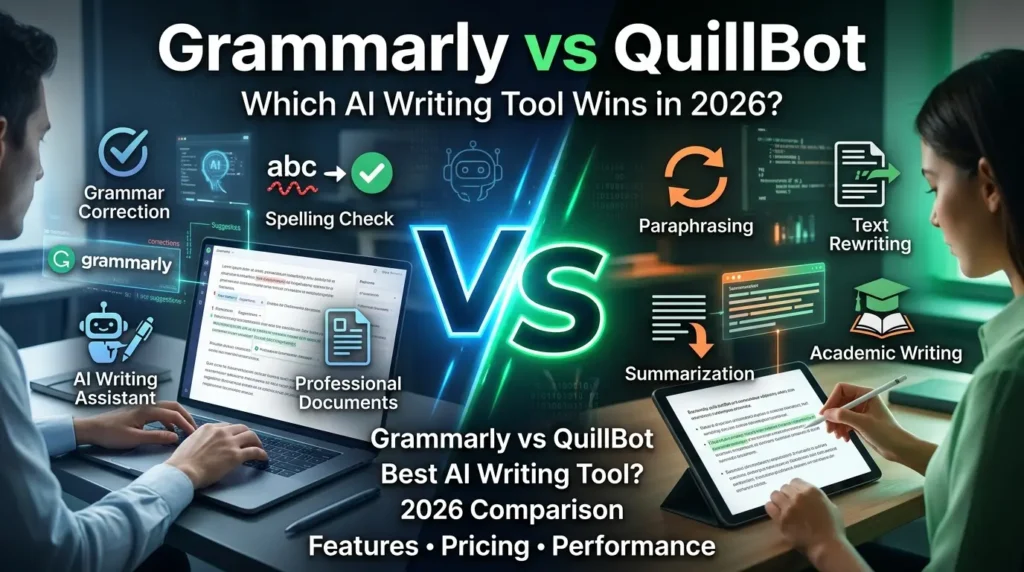
Artificial intelligence has transformed the way people write, edit, and optimize content. Among the most popular AI writing tools available today, Grammarly and QuillBot stand out as industry leaders. While both help improve writing quality, they serve different purposes and target different user needs.
If you’re wondering whether Grammarly or QuillBot is the better choice for blogging, academic writing, content marketing, or professional communication, this detailed comparison will help you decide.
What Is Grammarly?
Grammarly is an AI-powered writing assistant designed to improve grammar, spelling, punctuation, clarity, tone, and readability. It works across web browsers, email platforms, document editors, and thousands of applications, making it a comprehensive writing companion. Grammarly also offers generative AI features, plagiarism detection, and advanced writing suggestions.
Grammarly Key Features
- Real-time grammar and spelling correction
- Tone and clarity suggestions
- AI-powered content generation
- Plagiarism detection
- Citation assistance
- Browser extension support
- Integration with multiple platforms
What Is QuillBot?
QuillBot is primarily known as an AI paraphrasing tool. It specializes in rewriting, rephrasing, summarizing, and improving existing text. Over time, QuillBot has expanded its features to include grammar checking, plagiarism detection, citation generation, and translation tools.
QuillBot Key Features
- Advanced paraphrasing engine
- Multiple rewriting modes
- Text summarizer
- Grammar checker
- Citation generator
- Plagiarism checker
- Translator support
Grammarly vs QuillBot: Feature Comparison
| Feature | Grammarly | QuillBot |
|---|---|---|
| Grammar Checking | Excellent | Good |
| Paraphrasing | Good | Excellent |
| Tone Detection | Excellent | Basic |
| AI Writing Assistance | Excellent | Moderate |
| Summarization | Available | Excellent |
| Plagiarism Checker | Available | Available |
| Integrations | Extensive | Limited |
| Academic Writing | Good | Excellent |
| Business Writing | Excellent | Good |
| Content Rewriting | Good | Excellent |
Industry reviews consistently identify Grammarly as the stronger all-in-one writing assistant, while QuillBot dominates the paraphrasing category.
Grammarly vs QuillBot for Grammar Checking
When it comes to grammar correction, Grammarly remains the benchmark. It not only identifies grammatical mistakes but also improves sentence structure, readability, tone, and clarity.
QuillBot’s grammar checker performs well for basic corrections but lacks the depth and contextual analysis offered by Grammarly. For professional emails, reports, business communication, and polished blog content, Grammarly generally delivers better results.
Winner: Grammarly
Grammarly vs QuillBot for Paraphrasing
Paraphrasing is where QuillBot truly shines.
QuillBot offers multiple rewriting modes, allowing users to create formal, creative, academic, or concise versions of their content. The synonym slider also provides greater control over text transformation.
Many reviewers and users consider QuillBot the superior choice for rewriting articles, refreshing old content, and rephrasing academic material.
Winner: QuillBot
Grammarly vs QuillBot for Bloggers
Bloggers often need both editing and content optimization.
Grammarly helps:
- Improve readability
- Maintain consistent tone
- Fix grammar issues
- Optimize content quality
QuillBot helps:
- Rewrite repetitive content
- Generate alternative sentence structures
- Refresh outdated articles
For complete blogging workflows, many content creators use both tools together. Grammarly polishes content, while QuillBot helps with content restructuring.
For more AI and content creation insights, visit AI Trends Hub.
Grammarly vs QuillBot for Students
Students frequently need assistance with:
- Essay writing
- Research papers
- Citations
- Paraphrasing sources
- Grammar correction
QuillBot’s academic paraphrasing features make it especially useful for rewriting source material, while Grammarly excels at final proofreading and submission-ready polishing.
Best Choice for Students
- Research and paraphrasing: QuillBot
- Final editing and proofreading: Grammarly
Grammarly vs QuillBot Pricing
Both platforms offer free plans with limitations.
Grammarly
- Free grammar checking
- Premium features for advanced writing support
- Business plans for teams
QuillBot
- Free paraphrasing features
- Premium access for advanced rewriting modes
- More affordable entry-level pricing
Several comparisons note that QuillBot is generally cheaper, while Grammarly provides a broader set of writing assistance features.
Pros and Cons
Grammarly Pros
- Excellent grammar correction
- Strong tone analysis
- Extensive integrations
- Professional writing support
- Advanced AI writing assistance
Grammarly Cons
- Higher pricing
- Paraphrasing tools are less advanced
QuillBot Pros
- Industry-leading paraphrasing
- Multiple rewrite modes
- Affordable premium plans
- Strong academic writing support
QuillBot Cons
- Fewer integrations
- Less comprehensive grammar assistance
Final Verdict
Choosing between Grammarly and QuillBot depends entirely on your writing goals.
Choose Grammarly if you need:
- Professional writing support
- Advanced grammar checking
- Tone optimization
- Business communication assistance
Choose QuillBot if you need:
- Content rewriting
- Paraphrasing
- Academic writing assistance
- Text summarization
For bloggers, marketers, students, and content creators, using both tools together often delivers the best results. Grammarly ensures polished, error-free writing, while QuillBot helps generate fresh variations and improve content originality.