
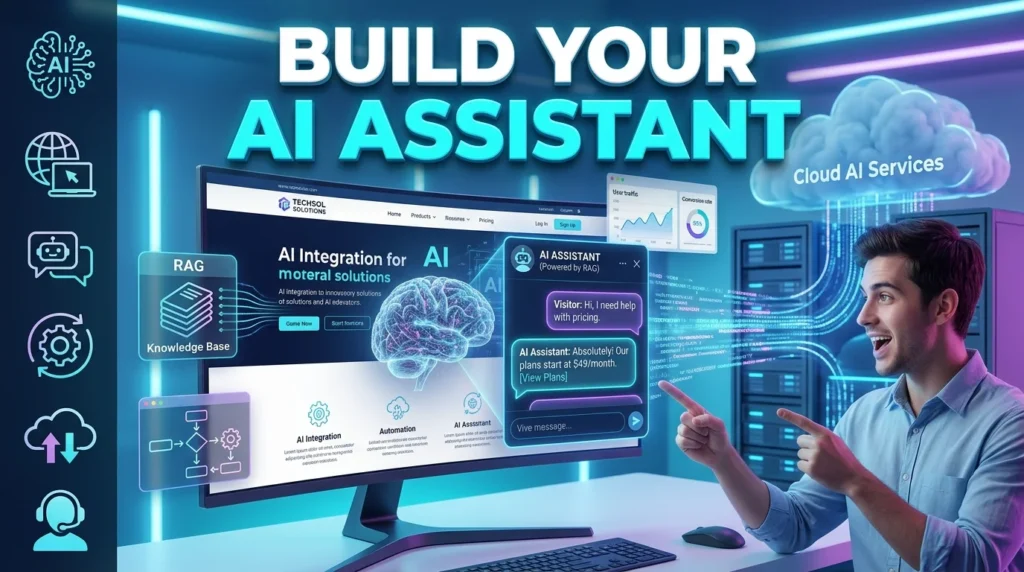
Artificial intelligence is changing how businesses interact with visitors online. Instead of relying solely on traditional contact forms or live chat agents, companies are increasingly deploying AI assistants that answer questions, guide users, recommend products, and automate support around the clock.
Whether you operate an eCommerce store, SaaS platform, educational website, or business portfolio, adding an AI assistant can improve customer experience while reducing support workload.
This guide explains how to build an AI assistant for your website, the technologies involved, and the best practices for creating a reliable, helpful assistant.
What Is an AI Website Assistant?
An AI website assistant is a conversational system that helps website visitors by answering questions, retrieving information, completing simple tasks, and guiding users through your website.
Modern assistants typically combine:
- Large Language Models (LLMs)
- Natural Language Processing (NLP)
- Knowledge bases
- Retrieval-Augmented Generation (RAG)
- Workflow automation
- Live business data (when integrated)
Unlike traditional rule-based chatbots, AI assistants can understand natural language and generate contextual responses grounded in your website’s content.
Benefits of an AI Assistant
Businesses use AI assistants because they can:
- Provide 24/7 customer support
- Answer frequently asked questions
- Recommend products and services
- Capture qualified leads
- Reduce support costs
- Improve customer satisfaction
- Guide users through complex processes
- Increase website engagement
An AI assistant can handle routine inquiries while allowing human agents to focus on more complex issues.
Step 1: Define the Assistant’s Purpose
Before selecting tools, decide what your assistant should accomplish.
Examples include:
- Customer support
- Product recommendations
- Booking appointments
- Technical troubleshooting
- Lead generation
- Internal employee support
- Educational guidance
- FAQ assistance
A clearly defined purpose helps determine the required features and knowledge sources.
Step 2: Build a Reliable Knowledge Base
Your assistant is only as useful as the information it can access.
Include:
- Help center articles
- FAQs
- Product documentation
- Pricing information
- Company policies
- Tutorials
- User guides
- Contact information
Organize content with clear headings, metadata, and categories to improve retrieval quality.
Step 3: Choose an AI Platform
Several platforms allow you to build AI assistants with minimal development effort.
Popular options include:
- OpenAI
- Google Gemini
- Anthropic Claude
- Microsoft Copilot Studio
- Botpress
- Voiceflow
- Langflow
Many platforms support visual builders, API integrations, and knowledge base connections.
Step 4: Connect Your Website
There are several ways to integrate an AI assistant:
- Embedded chat widget
- Website JavaScript snippet
- API integration
- CMS plugin
- Custom frontend application
Most businesses choose a floating chat widget because it is easy for visitors to access without disrupting the browsing experience.
Step 5: Add Retrieval-Augmented Generation (RAG)
One of the biggest improvements in modern AI assistants is Retrieval-Augmented Generation (RAG).
Instead of relying only on the model’s general training, RAG retrieves relevant information from your website or documentation before generating a response.
Benefits include:
- More accurate answers
- Up-to-date information
- Reduced hallucinations
- Better product support
- Easier content updates
Step 6: Design Conversation Flows
Although AI handles open-ended questions, it’s useful to plan key conversation paths.
Examples include:
Customer Support
Visitor → Ask Question → AI Searches Knowledge Base → Response → Escalate if Needed
Sales
Visitor → Product Inquiry → AI Recommends Products → Collect Contact Details → Send to Sales Team
Booking
Visitor → Choose Service → Select Date → Confirm Appointment
Clear flows improve the overall user experience.
Step 7: Train and Test Your Assistant
Before launching, test the assistant using real-world scenarios.
Evaluate:
- Response accuracy
- Understanding of user questions
- Retrieval quality
- Tone and clarity
- Escalation to human support
- Error handling
Gather feedback from internal teams and early users to identify gaps in your knowledge base.
Step 8: Monitor Performance
After deployment, continuously monitor:
- Frequently asked questions
- Unanswered queries
- User satisfaction
- Response times
- Chat completion rates
- Escalation frequency
Regular analysis helps improve both the assistant and the supporting documentation.
Best Practices
Follow these recommendations when building your AI assistant:
- Keep the knowledge base current.
- Write clear and concise documentation.
- Be transparent when users are interacting with AI.
- Offer an easy path to human support.
- Protect sensitive customer information.
- Review AI-generated responses regularly.
- Update content as products or policies change.
These practices improve trust, accuracy, and long-term performance.
Common Mistakes to Avoid
Avoid these common issues:
- Launching without a knowledge base
- Providing outdated information
- Ignoring user feedback
- Overcomplicating conversation flows
- Not testing edge cases
- Failing to monitor AI performance
- Omitting a human escalation option
AI assistants are most effective when paired with quality documentation and ongoing maintenance.
Technologies Used
Modern AI assistants commonly use:
AI Models
- GPT models
- Claude
- Gemini
Retrieval
- Retrieval-Augmented Generation (RAG)
- Semantic search
- Vector databases
Backend
- Node.js
- Python
- FastAPI
Frontend
- React
- Next.js
- JavaScript widgets
Integrations
- CRM systems
- Help desk software
- Analytics platforms
- Payment systems
- Booking tools
Real-World Applications
E-commerce
Recommend products, answer shipping questions, and assist with order tracking.
SaaS
Guide users through onboarding, explain features, and troubleshoot common issues.
Education
Provide course information, answer student questions, and recommend learning resources.
Healthcare
Assist with appointment scheduling and general administrative inquiries while avoiding personalized medical advice.
Finance
Help users navigate services, explain account features, and answer common support questions.
Corporate Websites
Answer FAQs, qualify leads, and connect visitors with the appropriate departments.
Security Considerations
Protect your AI assistant by:
- Using encrypted connections (HTTPS)
- Implementing user authentication where appropriate
- Limiting access to sensitive business data
- Monitoring conversations for misuse
- Following applicable privacy regulations
- Reviewing permissions and integrations regularly
Future of AI Website Assistants
AI assistants are evolving rapidly. Future capabilities are expected to include:
- Voice-enabled conversations
- AI agents that complete multi-step tasks
- Personalized recommendations
- Multimodal interactions (text, image, and voice)
- Deeper CRM and business system integrations
- Improved reasoning over private company knowledge
These advances will make website assistants increasingly valuable for customer support, sales, and productivity.
Conclusion
Building an AI assistant for your website involves more than adding a chatbot widget. Success depends on defining a clear purpose, creating a high-quality knowledge base, implementing retrieval techniques like RAG, testing thoroughly, and continuously improving based on user feedback.
When designed thoughtfully, an AI assistant can provide fast, consistent support, improve customer engagement, and help your business scale without significantly increasing support costs.
For more AI tutorials, automation guides, and productivity resources, visit https://aitrendshub.com.





