
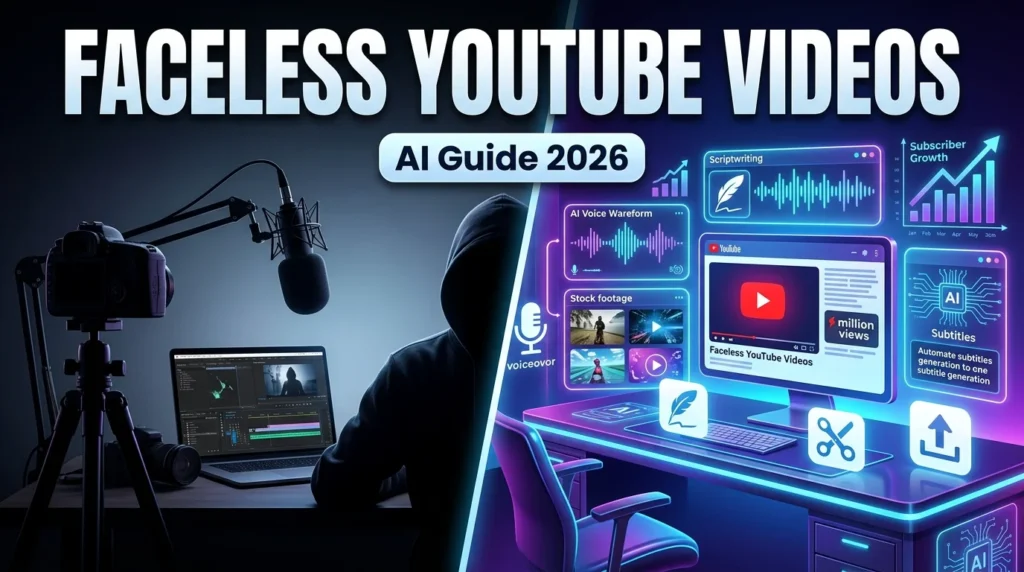
You don’t need a camera, studio, or on-screen presence to build a successful YouTube channel. Thousands of creators have grown large audiences by producing educational, documentary, finance, technology, gaming, and motivational videos without ever revealing their faces.
With AI-powered tools, stock media libraries, and modern editing software, creating professional faceless YouTube videos has become easier and more affordable than ever. The key is to focus on delivering valuable content while using visuals, voiceovers, and editing techniques that keep viewers engaged.
This guide explains how to create faceless YouTube videos from start to finish.
Why Create a Faceless YouTube Channel?
A faceless channel offers several advantages:
- Maintain your privacy
- Lower equipment costs
- Faster content production
- Easier outsourcing and automation
- Create videos from anywhere
- Scale multiple YouTube channels
Many successful channels rely on narration, animations, stock footage, screen recordings, or AI-generated visuals instead of appearing on camera.
Step 1: Choose a Profitable Niche
Start with a niche that works well without showing your face.
Popular faceless YouTube niches include:
- AI Tools
- Technology
- Personal Finance
- Investing
- Business
- History
- Science
- Space
- Productivity
- Self Improvement
- Programming Tutorials
- Gaming
- Motivational Videos
- Book Summaries
- Educational Content
Choose a niche where you can consistently provide useful information.
Step 2: Research Video Ideas
Before writing a script, identify topics your audience is searching for.
Research using:
- YouTube Search
- Google Trends
- Keyword research tools
- Reddit discussions
- Industry news
- AI brainstorming tools
AI assistants can also generate topic ideas, content outlines, and video series based on your niche.
Step 3: Write an Engaging Script
A strong script is the foundation of every successful faceless video.
Structure your script like this:
Hook
Capture attention within the first few seconds.
Introduction
Explain what viewers will learn.
Main Content
Break the topic into clear sections with practical examples.
Summary
Recap the key points.
Call to Action
Encourage viewers to like, comment, subscribe, or watch another video.
Keep the language simple, conversational, and informative.
Step 4: Generate a Voiceover
Instead of recording your own voice, you can use AI voice generators that produce natural-sounding narration.
When selecting a voice:
- Choose a clear and natural tone.
- Match the pace to your audience.
- Avoid robotic-sounding voices.
- Edit pauses and pronunciation where needed.
You can also record your own voice if you prefer a more personal style.
Step 5: Gather Visuals
Faceless videos depend on engaging visuals.
Common visual sources include:
- Stock videos
- Copyright-free images
- Screen recordings
- AI-generated illustrations
- Motion graphics
- Animated icons
- Infographics
- Charts
- Text animations
Use visuals that reinforce your narration rather than distract from it.
Step 6: Edit the Video
Good editing improves viewer retention.
Include:
- Smooth transitions
- Background music
- Text overlays
- Zoom effects
- Animated captions
- Relevant B-roll
- Visual highlights
Keep the pacing fast enough to maintain attention without overwhelming viewers.
Step 7: Optimize for YouTube SEO
Publishing a great video isn’t enough—optimization helps people find it.
Focus on:
- Keyword-rich titles
- Compelling thumbnails
- Clear video descriptions
- Relevant tags
- Chapters
- Captions
- Strong opening hook
These elements improve discoverability and click-through rates.
Best AI Tools for Faceless YouTube Videos
Several AI tools can simplify different stages of production:
Script Writing
- ChatGPT
- Claude
- Gemini
AI Voiceovers
- ElevenLabs
- PlayHT
- Murf AI
Video Creation
- Pictory
- InVideo AI
- Synthesia
- Runway
- Lumen5
Video Editing
- CapCut
- DaVinci Resolve
- Adobe Premiere Pro
- Final Cut Pro
Choose tools based on your workflow, budget, and editing experience.
Example AI Prompt
You are a professional YouTube script writer.

Write a 10-minute YouTube script about AI productivity tools.

Include:
- Hook
- Introduction
- 5 main sections
- Practical examples
- Conclusion
- Call to action

Use a conversational tone suitable for beginners.
Common Mistakes to Avoid
Avoid these common pitfalls:
- Using low-quality visuals
- Choosing robotic AI voices
- Reading directly from AI-generated text without editing
- Overloading videos with animations
- Ignoring YouTube SEO
- Uploading inconsistent content
- Reusing copyrighted media without permission
Creating original, valuable content is more important than relying entirely on automation.
Tips for Growing a Faceless YouTube Channel
- Publish consistently.
- Focus on solving specific problems.
- Study audience retention in YouTube Analytics.
- Improve thumbnails and titles over time.
- Build content around related topics.
- Experiment with both long-form videos and Shorts.
- Update older content when information changes.
Consistency and quality are more effective than chasing every trend.





