
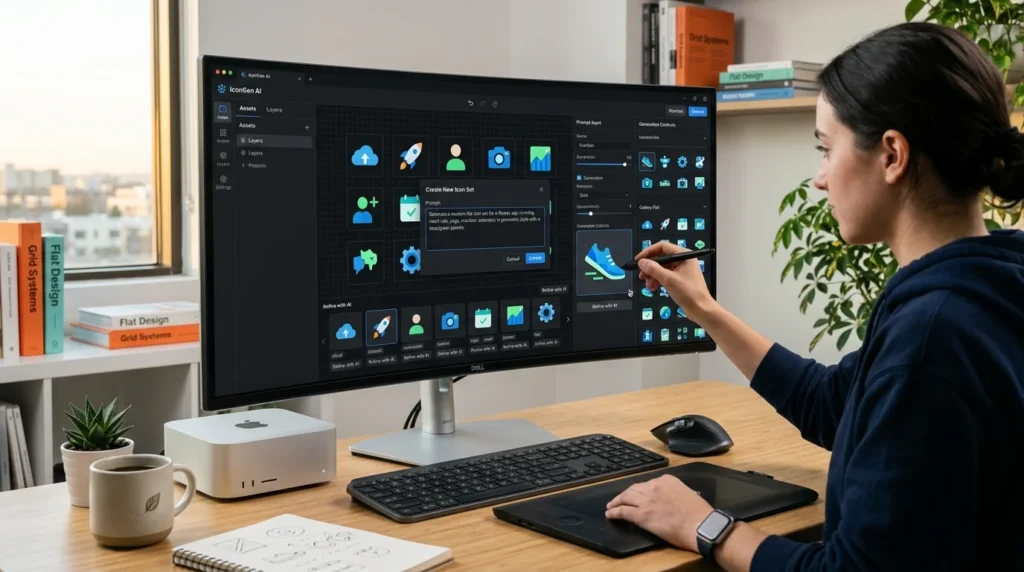
Icons are essential design elements for websites, mobile apps, presentations, dashboards, and branding. A well-designed icon improves user experience by making interfaces easier to understand while creating a professional and consistent visual identity.
Thanks to artificial intelligence (AI), creating custom icons is now faster and more accessible than ever. Instead of designing every icon from scratch, AI-powered tools can generate unique icon concepts, suggest styles, refine colors, and even create complete icon sets in minutes.
In this guide, you’ll learn how to create icons using AI, explore the best AI icon generators, and discover best practices for designing clean, scalable, and visually appealing icons.
What Is AI Icon Generation?
AI icon generation is the process of using artificial intelligence to create icons from text prompts or design instructions.
AI tools can generate:
- App icons
- Website icons
- UI icons
- Business icons
- Social media icons
- Logo-style icons
- Flat icons
- 3D icons
- Minimalist icons
- Custom icon packs
AI speeds up the creative process while providing multiple design variations.
Benefits of Using AI to Create Icons
AI-powered icon design offers several advantages.
- Save design time
- Generate multiple concepts quickly
- Improve creativity
- Maintain consistent design styles
- Create scalable icon sets
- Reduce design costs
- Customize colors and shapes
- Speed up branding projects
Best AI Tools for Creating Icons
Midjourney
Midjourney creates highly detailed artistic icons with unique visual styles suitable for branding and creative projects.
DALL·E
DALL·E generates custom icon concepts from detailed text prompts and supports a wide range of design styles.
Adobe Firefly
Adobe Firefly helps designers create editable icon concepts that integrate well with Adobe Creative Cloud.
Canva AI
Canva AI enables users to generate icons and edit them using an easy drag-and-drop interface.
Ideogram
Ideogram produces clean icon illustrations and works well for branding, UI concepts, and marketing graphics.
Recraft AI
Recraft AI specializes in generating vector-style illustrations and icons that are suitable for websites, apps, and design systems.
Microsoft Designer
Microsoft Designer uses AI to generate modern icons, graphics, and marketing visuals with minimal effort.
Figma AI
Figma AI helps designers create and refine icons directly within interface design workflows.
Step 1: Define the Icon Purpose
Before generating icons, decide where they will be used.
Examples include:
- Mobile applications
- Websites
- Dashboards
- Software interfaces
- Business presentations
- Branding
- Social media graphics
- E-commerce stores
A clear purpose helps AI generate more relevant designs.
Step 2: Choose an Icon Style
Select a consistent visual style.
Popular styles include:
- Flat design
- Outline icons
- Filled icons
- Line icons
- Minimalist icons
- 3D icons
- Gradient icons
- Glassmorphism
- Isometric icons
- Material Design icons
Consistency improves the overall user experience.
Step 3: Write an Effective AI Prompt
Describe the icon clearly.
Include details such as:
- Subject
- Style
- Colors
- Background
- Lighting
- Shape
- Level of detail
- Intended use
The more specific your prompt, the better the generated results.
Step 4: Generate Multiple Variations
Create several icon versions before selecting the final design.
Compare:
- Simplicity
- Readability
- Scalability
- Visual balance
- Color harmony
- Brand consistency
Generating multiple options increases the chance of finding the ideal design.
Step 5: Refine and Edit
Improve your selected icon by adjusting:
- Colors
- Shadows
- Borders
- Contrast
- Alignment
- Background transparency
Minor refinements help achieve a polished and professional appearance.
Step 6: Export in the Right Format
Choose formats based on your project.
Common formats include:
- SVG
- PNG
- ICO
- EPS
- WebP
Vector formats such as SVG are ideal for scalability without quality loss.
Best Practices for AI Icon Design
Follow these recommendations.
- Keep icons simple
- Maintain consistent sizing
- Use limited colors
- Design for readability
- Test icons at small sizes
- Match your brand identity
- Use transparent backgrounds when needed
- Organize icon sets consistently
Common Mistakes to Avoid
Avoid these common issues.
- Overly detailed icons
- Inconsistent styles
- Poor color contrast
- Tiny unreadable elements
- Ignoring scalability
- Using mismatched icon packs
Popular Use Cases
AI-generated icons are useful for:
- Mobile applications
- SaaS platforms
- Websites
- UI/UX design
- Branding
- Marketing materials
- Business dashboards
- Educational platforms
- Presentations
- E-commerce stores
Future of AI Icon Design
AI icon generation continues to evolve through:
- Better vector generation
- Editable AI graphics
- Brand-aware design systems
- Automatic icon pack creation
- Multi-style generation
- Collaborative AI design
- Real-time design optimization
These innovations will make professional icon creation even faster and more accessible.
Frequently Asked Questions
Can AI create professional icons?
Yes. Modern AI tools can generate high-quality icon concepts suitable for websites, apps, branding, and marketing materials.
Which AI tool is best for creating icons?
Popular options include Midjourney, DALL·E, Adobe Firefly, Canva AI, Recraft AI, Ideogram, Microsoft Designer, and Figma AI.
Can AI generate vector icons?
Some AI tools generate vector-ready designs or integrate with software that allows conversion to SVG and other scalable formats.
Are AI-generated icons customizable?
Yes. Most AI-generated icons can be edited by adjusting colors, shapes, backgrounds, and layouts using graphic design software.
Can beginners create icons with AI?
Absolutely. Many AI design tools are beginner-friendly and require only a text prompt to generate professional-looking icons.
Final Verdict
AI has transformed icon design by making it faster, more affordable, and accessible to everyone. Whether you’re designing icons for websites, mobile apps, software interfaces, presentations, or branding projects, AI can generate high-quality concepts within minutes.
The best results come from combining detailed prompts, consistent design styles, and thoughtful human refinement. By choosing the right AI tool and following good design practices, you can create professional, scalable, and visually appealing icons that enhance user experience and strengthen your brand identity.





