
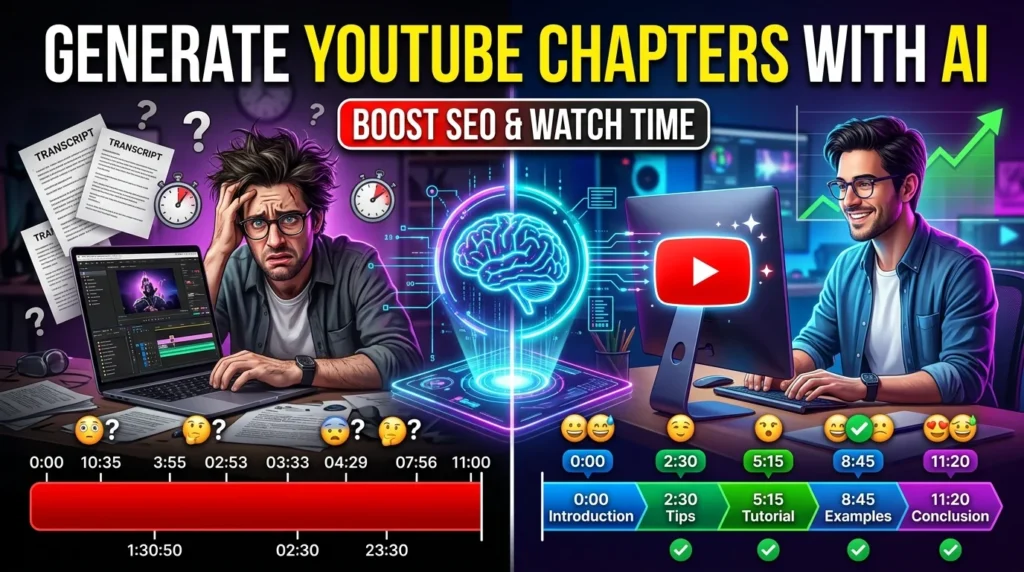
Long YouTube videos can be difficult for viewers to navigate, especially when they cover multiple topics. YouTube chapters solve this problem by dividing a video into clearly labeled sections with timestamps, making it easier for viewers to jump directly to the information they need.
Creating chapters manually can be time-consuming, but AI tools can analyze transcripts, identify topic changes, and generate relevant timestamps in minutes. While AI speeds up the process, reviewing the output ensures that chapter titles and timings accurately reflect your content.
This guide explains how to generate YouTube chapters using AI and optimize them for a better viewing experience.
Why YouTube Chapters Matter
Adding chapters offers several benefits:
- Improve viewer navigation.
- Increase watch time by helping viewers find relevant sections.
- Enhance the user experience.
- Make educational and tutorial videos easier to follow.
- Improve search visibility for specific topics.
- Help viewers return to important sections quickly.
Well-structured chapters can make long-form content more accessible and engaging.
Step 1: Prepare Your Video
Before generating chapters, ensure your video has:
- Clear narration
- Logical structure
- Accurate script (if available)
- Good audio quality
Videos with organized content produce more accurate AI-generated chapters.
Step 2: Generate a Transcript
Most AI chapter generators first create a transcript of your video.
Review the transcript for:
- Misspelled names
- Technical terms
- Product names
- Acronyms
- Numbers
- Dates
Correcting transcript errors improves chapter quality.
Step 3: Let AI Detect Topic Changes
AI analyzes your transcript to identify natural transitions between topics.
For example:
00:00 Introduction
01:45 Why YouTube Chapters Matter
04:20 Preparing Your Video
07:35 Using AI to Generate Chapters
11:10 Editing Chapter Titles
15:00 Publishing Your Video
Review the suggested timestamps to ensure they align with the actual content.
Step 4: Write Descriptive Chapter Titles
Effective chapter titles should be:
- Clear
- Concise
- Relevant
- Keyword-friendly
Instead of:
Part 1Use:
How AI Creates YouTube ChaptersDescriptive titles help viewers understand what each section covers.
Step 5: Edit the Timestamps
AI-generated timestamps are a starting point.
Check that:
- Chapters begin at natural transitions.
- No important sections are skipped.
- Titles match the content.
- The first timestamp starts at 00:00, as required for YouTube chapters.
Small adjustments can significantly improve the viewing experience.
Step 6: Add Chapters to Your Video Description
Copy the finalized timestamps into your YouTube video description.
Example:
00:00 Introduction
01:12 What Are YouTube Chapters?
03:50 Benefits of AI Chapter Generation
07:25 Best AI Tools
11:40 Editing and Reviewing Chapters
15:10 Final Tips
Once published, YouTube automatically converts these timestamps into clickable chapters when they meet the platform’s requirements.
Step 7: Optimize Chapters for SEO
Use relevant keywords naturally in your chapter titles.
For example:
- AI Video Editing Tips
- YouTube SEO Best Practices
- AI Content Planning
- Video Optimization Strategies
Keyword-rich chapter titles can improve discoverability and help viewers find specific information more easily.
Best AI Tools for Generating YouTube Chapters
Several AI tools can automate transcript analysis and chapter creation:
AI Writing and Analysis
- ChatGPT
- Claude
- Gemini
Video Transcription
- Descript
- Otter.ai
- Notta
Video Editing
- CapCut
- DaVinci Resolve
- Adobe Premiere Pro
AI Video Platforms
- VEED
- Kapwing
- Pictory
Each tool supports different parts of the workflow, from transcription to editing and publishing.
Example AI Prompt
You are a YouTube SEO specialist.

Analyze the following video transcript and generate:

- Accurate timestamps
- SEO-friendly chapter titles
- Logical section breaks
- A complete YouTube chapter list starting at 00:00

Use concise, descriptive titles that match the content.
Common Mistakes to Avoid
Avoid these common issues:
- Creating chapters that are too short.
- Using vague titles like “Part 2.”
- Forgetting to start at 00:00.
- Skipping important sections.
- Leaving transcript errors uncorrected.
- Publishing AI-generated chapters without reviewing them.
A quick manual review ensures better accuracy and a smoother viewer experience.
Tips for Better YouTube Chapters
- Plan your video with clear sections before recording.
- Use headings in your script to make chapter detection easier.
- Keep chapter titles under 60 characters when possible.
- Include keywords naturally without stuffing.
- Review viewer feedback to improve future chapter organization.
Consistent formatting helps viewers navigate your content more effectively.
Final Thoughts
AI has simplified the process of creating YouTube chapters by automatically analyzing transcripts and suggesting timestamps. When combined with careful editing and descriptive titles, AI-generated chapters improve navigation, accessibility, and overall viewer satisfaction.
Although automation saves time, taking a few minutes to review timestamps and titles ensures your chapters accurately represent the content and provide the best possible experience for your audience.





