
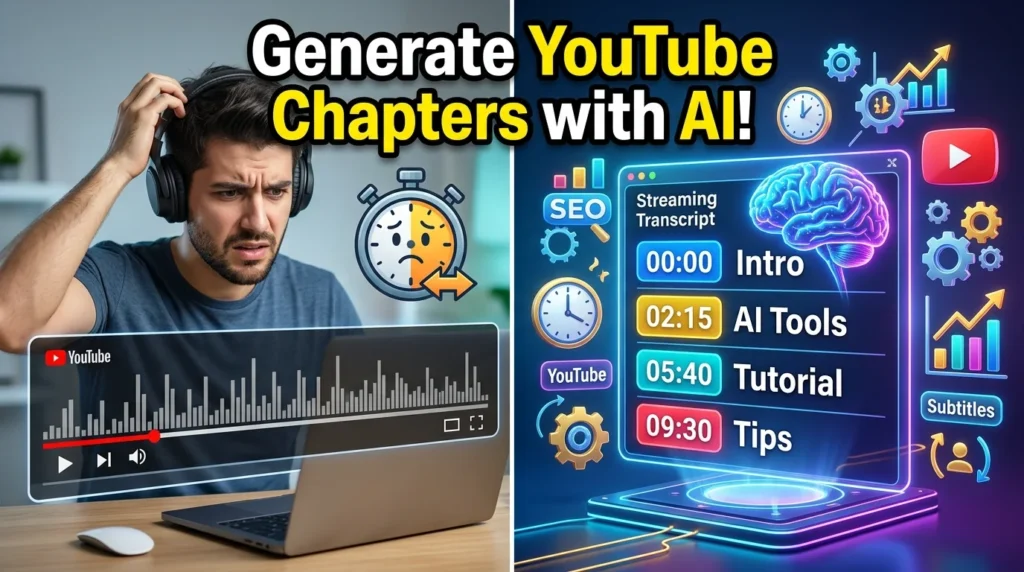
YouTube chapters make long videos easier to navigate by dividing them into clearly labeled sections. Instead of manually reviewing footage and adding timestamps, AI tools can automatically analyze transcripts, identify topic changes, and generate chapter titles with timestamps in minutes.
Whether you create tutorials, podcasts, product reviews, educational content, or interviews, AI-generated chapters improve the viewing experience while helping viewers quickly find the information they need.
In this guide, you’ll learn how to generate YouTube chapters using AI, the best tools available, and best practices for improving your video’s organization and SEO.
What Are YouTube Chapters?
YouTube chapters divide a video into multiple sections with timestamps and descriptive titles.
For example:
00:00 Introduction
01:12 What Are AI Chapters?
03:45 Best AI Tools
07:30 Creating Automatic Timestamps
11:05 SEO Benefits
14:20 Final Tips
These chapters appear in the video’s progress bar and description, making navigation much easier.
Benefits of AI-Generated YouTube Chapters
Using AI to generate chapters offers several advantages:
- Saves time
- Improves viewer navigation
- Increases audience retention
- Enhances accessibility
- Helps viewers revisit key sections
- Makes long videos easier to consume
- Supports YouTube SEO
- Improves overall user experience
How AI Generates YouTube Chapters
Most AI chapter generators follow this workflow:
- Transcribe the video’s audio into text.
- Analyze the transcript for topic changes.
- Detect natural transitions.
- Generate descriptive chapter titles.
- Assign timestamps automatically.
- Export the chapter list for YouTube.
Some platforms also allow manual editing before publishing.
Step 1: Upload Your Video or Transcript
Start by uploading your video or importing its transcript.
Supported formats commonly include:
- MP4
- MOV
- AVI
- MKV
- YouTube links
- TXT transcripts
- SRT subtitle files
Using a high-quality transcript improves chapter accuracy.
Step 2: Let AI Analyze the Content
AI scans the transcript to identify:
- Topic changes
- New sections
- Speaker transitions
- Question-and-answer segments
- Demonstrations
- Conclusions
The more structured your script, the more accurate the generated chapters will be.
Step 3: Review Suggested Chapter Titles
AI typically creates descriptive titles automatically.
Example:
Instead of:
Part 1AI might suggest:
How AI Detects Video SectionsUse clear, concise titles that accurately describe each section.
Step 4: Edit the Timestamps
Although AI timestamps are usually accurate, review them before publishing.
Check that:
- Chapters begin at the correct moment.
- Titles reflect the content.
- Important sections aren’t skipped.
- Timestamps appear in chronological order.
Step 5: Add Chapters to YouTube
Copy the AI-generated timestamps into your YouTube description.
Example:
00:00 Introduction
00:42 Why YouTube Chapters Matter
02:15 AI Chapter Generation
05:30 Best AI Tools
08:50 Editing Chapters
11:20 SEO Tips
13:45 Final Thoughts
When formatted correctly, YouTube automatically recognizes these timestamps as chapters.
Best AI Tools for Generating YouTube Chapters
Several AI-powered platforms can help generate chapters:
- Descript
- Otter.ai
- Kapwing
- VEED
- Notta
- Fireflies.ai
- AssemblyAI
- Riverside
- Wispr Flow
- Sonix
Compare features such as transcription accuracy, timestamp editing, language support, and export options before selecting a tool.
Best Practices for AI-Generated Chapters
To maximize effectiveness:
- Keep chapter titles under 60 characters.
- Use descriptive keywords naturally.
- Ensure timestamps match the content.
- Review AI suggestions manually.
- Include a chapter every 2–5 minutes for longer videos.
- Avoid overly generic titles such as “Section 1” or “Part 2.”
SEO Benefits of YouTube Chapters
Well-structured chapters can contribute to a better viewing experience and may improve discoverability by:
- Helping viewers find relevant information quickly.
- Increasing engagement on long-form content.
- Improving accessibility.
- Organizing complex topics.
- Supporting keyword relevance through descriptive chapter titles.
Focus on user-friendly labels rather than keyword stuffing.
Common Mistakes to Avoid
Avoid these issues:
- Incorrect timestamps
- Vague chapter names
- Too many very short chapters
- Skipping important sections
- Not reviewing AI-generated results
- Using misleading titles
- Publishing chapters that don’t align with the video’s content
AI Prompt Examples
Generate better chapters using prompts like:
Generate YouTube chapters from this transcript with descriptive titles and accurate timestamps.Summarize this 20-minute tutorial into 8 logical YouTube chapters.Create SEO-friendly YouTube chapter titles from this transcript.Identify topic transitions and generate timestamped chapters for this educational video.Tips for Better AI Chapters
For the best results:
- Record clear audio.
- Follow a structured script.
- Introduce new topics clearly.
- Minimize background noise.
- Edit transcripts before generating chapters.
- Review AI-generated timestamps for accuracy.





