
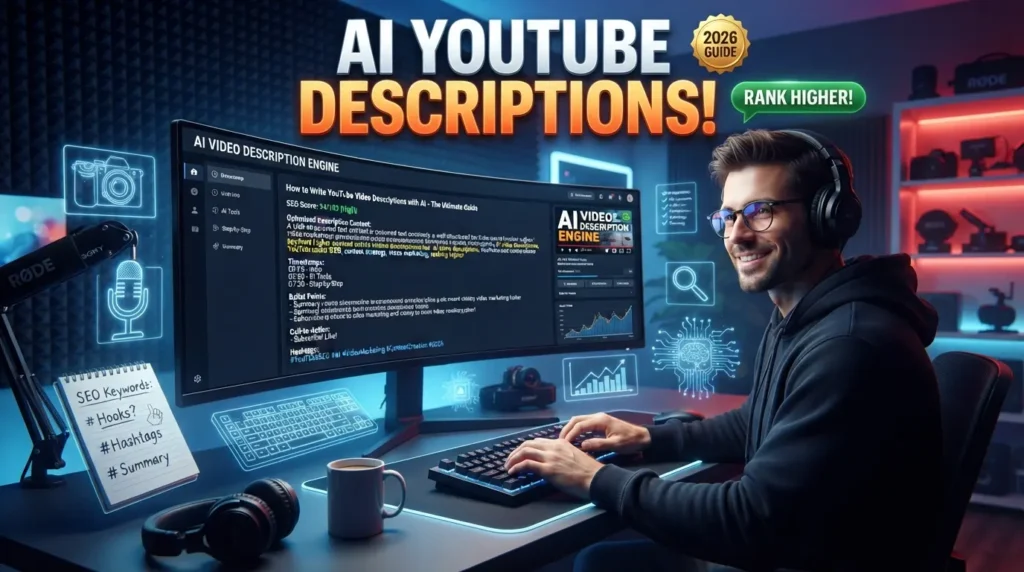
A well-written YouTube video description does much more than summarize your content. It helps YouTube understand what your video is about, improves search visibility, provides viewers with valuable information, and encourages them to engage with your content. Whether you’re creating tutorials, product reviews, vlogs, or educational videos, an optimized description can contribute to better discoverability.
Artificial Intelligence has made writing YouTube descriptions faster and more effective. AI-powered writing tools can generate keyword-rich descriptions, organize information clearly, suggest calls-to-action, and help maintain a consistent tone across your videos.
In this guide, you’ll learn How to Write YouTube Video Descriptions with AI, discover the best AI tools, and follow a proven workflow to create SEO-friendly descriptions that attract viewers and support channel growth in 2026.
Why Use AI for YouTube Video Descriptions?
Writing unique descriptions for every upload can become repetitive and time-consuming.
AI helps creators by:
- Writing optimized video descriptions
- Including relevant SEO keywords
- Creating engaging summaries
- Suggesting timestamps
- Generating calls-to-action
- Improving readability
- Saving time
- Maintaining consistent branding
AI enables creators to focus more on content production while simplifying the optimization process.
Benefits of AI-Generated YouTube Descriptions
Save Time
AI can generate complete video descriptions in seconds, making it easier to publish content consistently.
Improve YouTube SEO
AI naturally includes keywords and related phrases that help improve search visibility.
Increase Viewer Engagement
Clear descriptions encourage viewers to watch longer, subscribe, and interact with your content.
Maintain Consistent Branding
AI helps keep your tone and messaging consistent across all videos.
Essential Elements of a Great YouTube Description
Compelling Opening Paragraph
The first two or three lines are the most visible before viewers click Show More.
Include:
- Primary keyword
- Video purpose
- Viewer benefit
- Strong opening sentence
A compelling introduction increases click-through and watch time.
Video Summary
Briefly explain what viewers will learn.
Highlight:
- Main topic
- Key takeaways
- Practical value
- Unique insights
Keep the summary informative and concise.
Keywords
Include your primary and secondary keywords naturally throughout the description.
Avoid keyword stuffing and prioritize readability.
Timestamps
For longer videos, include timestamps to improve navigation.
Example:
- 00:00 Introduction
- 01:45 Main Topic
- 05:20 Step-by-Step Tutorial
- 09:30 Final Tips
- 11:00 Conclusion
Timestamps improve user experience and viewer retention.
Call-to-Action
Encourage viewers to:
- Subscribe
- Like the video
- Leave a comment
- Share with friends
- Visit your website
- Watch another video
A clear CTA helps increase engagement and build your audience.
Best AI Tools for Writing YouTube Descriptions
Several AI-powered tools can simplify the writing process.
| AI Tool | Best For |
|---|---|
| ChatGPT | Description Writing |
| Jasper AI | Marketing Copy |
| Claude AI | Long-Form Content |
| Copy.ai | Short Descriptions |
| Writesonic | SEO Content |
| Google Gemini | Brainstorming |
| Grammarly | Editing |
| Perplexity AI | Topic Research |
| Notion AI | Content Planning |
| Canva AI | Video Graphics |
Choose tools that align with your workflow and content goals.
Research Your Audience
Understanding your audience helps AI generate more relevant descriptions.
Identify:
- Viewer interests
- Skill level
- Search intent
- Common questions
- Preferred content style
Audience-focused descriptions improve engagement.
Write Better AI Prompts
Detailed prompts produce better results.
Include:
- Video topic
- Target audience
- Tone
- Primary keyword
- Secondary keywords
- Description length
- Call-to-action
- Website link
Example Prompt
“Write a 300-word YouTube video description about AI productivity tools for beginners. Use a conversational tone, naturally include the keyword ‘AI productivity tools,’ provide a short summary, add timestamps, include a strong call-to-action, and encourage viewers to subscribe.”
Optimize Descriptions for YouTube SEO
To improve search rankings:
- Include your primary keyword near the beginning.
- Use semantic keywords naturally.
- Add relevant hashtags.
- Include links to related resources.
- Write for humans first and search engines second.
Well-optimized descriptions help YouTube better understand your content.
Add Useful Links
Include links such as:
- Your website
- Related videos
- Playlists
- Social media profiles
- Affiliate resources (where appropriate)
Useful links improve the viewer experience and encourage further engagement.
Internal Link:
https://aitrendshub.com





